

 UAE
High-speed data
1GB
Maps, messages and email for a short trip.
Valid 7 days
- Clock starts on first connection
- Local 4G/5G networks
- Hotspot / tethering allowed
- QR by WhatsApp & email
Rs1,070
Travel eSIMs for everyone. Pay with JazzCash, Easypaisa or bank transfer, and get your QR by WhatsApp and email. No roaming bills, no SIM swap.
Browse all 55 countries
 USD

Before you fly
Order in two minutes, get your QR on WhatsApp within 6 hours, and install it at the gate. Your phone connects the moment you land.

At the gateScan the QR, board, land online
Plans
UAEHigh-speed data
1GB
Maps, messages and email for a short trip.
Valid 7 days
Rs1,070
UAEPopularHigh-speed data
3GB
Everyday browsing, WhatsApp and rides.
Valid 7 days
Rs1,750
Rs 583 / GB
UAEHigh-speed data
3GB
Everyday browsing, WhatsApp and rides.
Valid 30 days
Rs2,490
Rs 830 / GB
UAEBest ValueHigh-speed data
5GB
Social media, video calls and photos.
Valid 7 days
Rs2,270
Rs 454 / GB
Prices in Pakistani rupees. Data-only: use WhatsApp for calls.
Destinations
fromRs 1,070DubaiUAE4G/5G data fromRs 1,090
 MakkahSaudi Arabia4G/5G data
 fromRs 660
 Westminster, LondonUnited KingdomO2 · 4G/5G
 fromRs 940
 New YorkUSAT-Mobile · 4G/5G
 fromRs 670
 Kuala LumpurMalaysia4G/5G data
 fromRs 590
 LusailQatar4G/5G data
 fromRs 940
 ShanghaiChina4G/5G data
 fromRs 660
 BarcelonaSpainVodafone · 4G/5G
How it works
No app to download. No store visit. Takes a couple of minutes. Setup guide
1Step 1
Choose the country and a 1, 3 or 5 GB pack that fits your trip.
2Step 2
Send via JazzCash or Easypaisa and upload the receipt screenshot.
3Step 3
Get your QR on WhatsApp and email. Scan it, land, and you’re online.
Why Axon
Roaming packages are expensive and international eSIM apps want a dollar card. Send via JazzCash, Easypaisa or bank transfer — that’s it.
Runs on partners like Vodafone, O2, T-Mobile and Jio.
Share data with your laptop or travel partner.
A real person helps you install and troubleshoot.
Validity begins on first connection abroad, not on purchase.
Reviews
Real messages from customers on WhatsApp, shared with their permission. Tap one to read it in full.
4.9
from 5000+ travellers
From WhatsApp chats
Compatibility
Most recent iPhone, Samsung Galaxy and Google Pixel phones support eSIM. Find yours below, or check on your phone in 10 seconds.
Travel guides
Plain answers on Umrah data, phone compatibility, installing your eSIM and keeping your WhatsApp number.
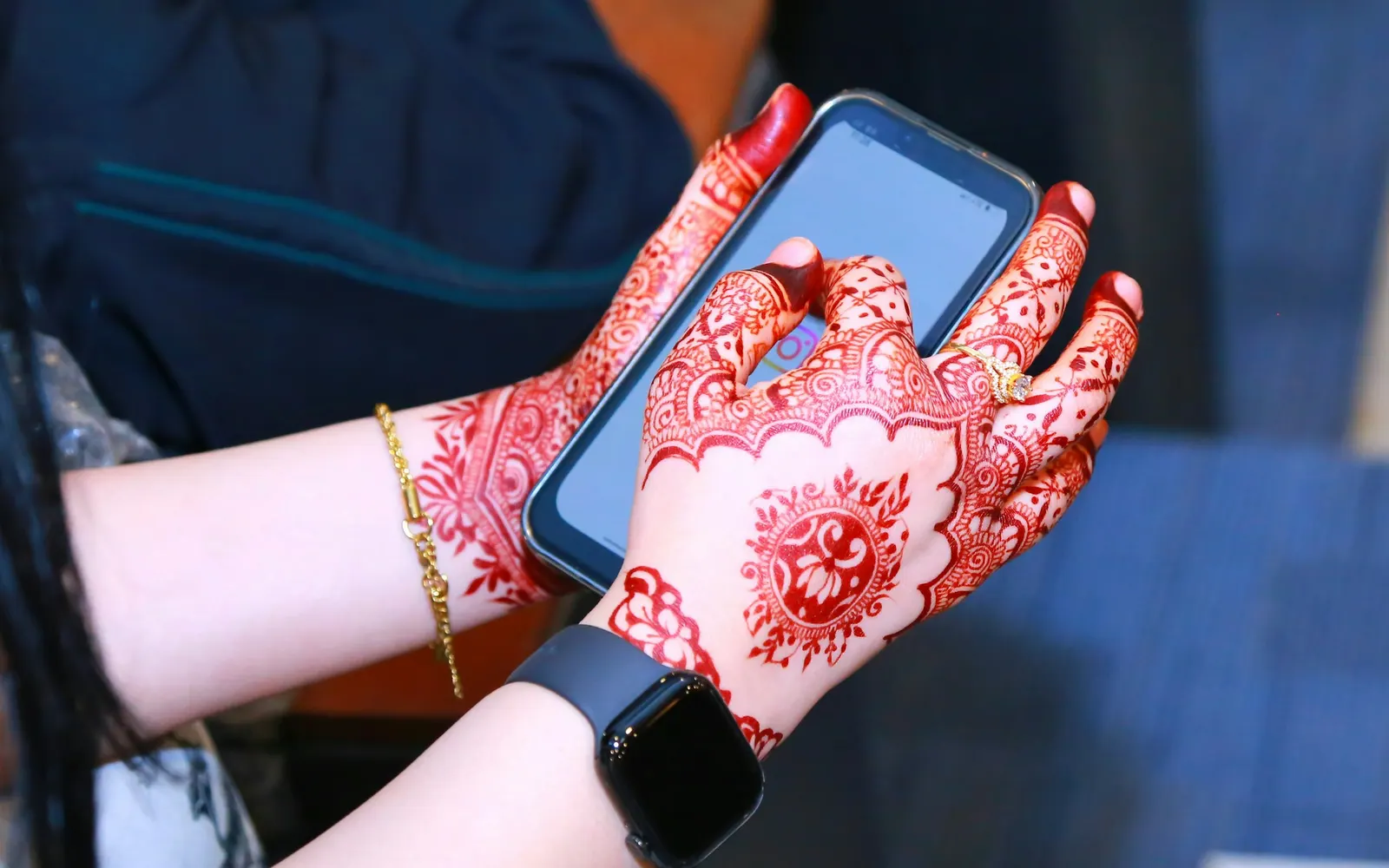
Phones & compatibility
eSIM kya hai aur kaise kaam karti hai? Physical SIM se farq, Jazz, Zong, Ufone eSIM, travel eSIM, fayde aur nuqsan, aur phone mein eSIM check karne ka tareeqa.
3 November 2026 10 min read

Umrah & Hajj
How much data do you need for Umrah? GB for arrival, Haram, ziyarat and train days, totals for 7 to 28 days, family needs, and settings that make data last.
3 November 2026 11 min read
Setup guides
How to install an eSIM on a Samsung Galaxy: SIM manager steps from Samsung's 2026 guides, a QR code sent on WhatsApp, data switching, roaming and quick fixes.
3 November 2026 10 min read
An eSIM is a digital SIM built into your phone. Instead of inserting a card, you scan a QR code to add a data plan. No store visit needed.
Every payment is verified by our team, then your QR code is sent on WhatsApp and email usually much sooner, and always within 6 hours.
When you first connect to the network in your destination, not on the purchase date. Install before you fly and it starts when you land.
No. Keep your local SIM for calls and OTPs and set the eSIM as your mobile-data line.
Scan the QR code in Settings → Mobile data → Add eSIM before you fly. When you land, set the eSIM as your mobile-data line and turn on data roaming. That’s it. Plans are data-only, so use WhatsApp for calls. The setup guide has screenshots for iPhone and Android.
Most phones from the last few years support eSIM. Dial *#06# — if you see an EID, you’re good. The phone should be PTA-approved, carrier-unlocked and not JV.
Ready when you are
Pick a destination now and install the eSIM before you fly.